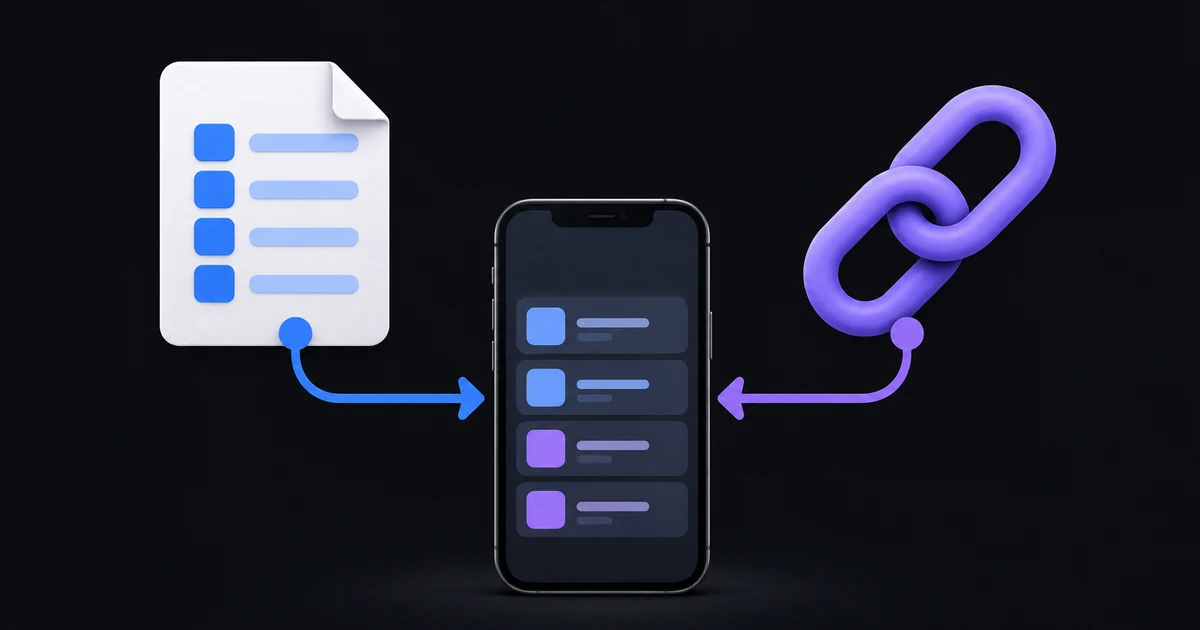
An M3U playlist URL points to a playlist hosted online. An M3U file is a saved copy of playlist data. An M3U8 address may be a UTF-8 playlist, but it can also identify a single HLS video presentation rather than a catalogue of channels.
Those distinctions explain many apparent import problems. Two addresses can have similar-looking endings while serving very different purposes. Choose an input based on what the resource contains, not just the letters at the end of its name.
What a channel playlist contains
An extended M3U channel playlist is text describing media items and where to find their streams. It normally begins with #EXTM3U. Item entries can include a display name and provider-supplied attributes such as a category or channel identifier, followed by a stream address.
The playlist is a list of pointers, not the television programmes themselves. Opening it in a player leads to the underlying streams. If one address stops working, that item can fail while the rest of the list still works.
In IB Player Pro, supplied names and categories help organise imported media. The app can only work with the information it receives. A file with incomplete names or categories may import successfully and still produce a less informative library.
A playlist URL keeps a remote source
With a URL, the player can ask the provider for the current list. That matters when the provider adds a category, replaces a stream address or changes an account's catalogue. The refreshed result is whatever the provider returns, not a list invented by the player.
In the app's M3U URL option, paste the full address. Some playlist addresses include login parameters after a question mark. Removing those parameters, editing a port or changing a password character can prevent access.
A remote source is often convenient when the provider updates its list. It still depends on the provider keeping the endpoint reachable and the account active. A URL that returns a sign-in page, an error document or an empty response cannot be treated as a valid playlist just because it contains the word playlist.
A local file is a snapshot
When you import a file, you are supplying the list stored inside that file. If the provider changes the original online catalogue, that does not automatically rewrite the imported copy.
Use the File option for an actual .m3u or .m3u8 file. The import checks for an M3U header. A renamed PDF, an HTML download page or a screenshot will not become a working playlist. If a provider has sent a replacement file, keep track of which version you imported so you do not mistake an older snapshot for the current catalogue.
A local file can be useful for a playlist you manage yourself or a source distributed as a download. The individual streams in that file may still require an internet connection and a valid provider account. Local playlist storage does not mean the video itself is stored for offline viewing.
Why M3U8 can mean a single video stream
M3U8 identifies UTF-8 playlist text and is also widely used by HTTP Live Streaming, or HLS. An HLS media playlist describes successive media segments; a master playlist can describe alternative stream variants. It is not necessarily a directory of separate television channels.
For example, the address of one live channel's HLS presentation can end in .m3u8. Supplying that address where a multi-channel catalogue is expected may not create the library you had in mind. Ask the provider whether the link is a channel catalogue or a direct stream before trying to troubleshoot the entire app.
The distinction is described in the HTTP Live Streaming specification, RFC 8216. You do not need to read a protocol document to use the player; the practical point is to identify the kind of resource you were given.
Where Xtream fits into the choice
An Xtream connection uses separate server, username and password fields. IB Player Pro can request catalogue categories and compatible account or guide information through that connection. It can also recognise credentials inside some provider M3U URLs and try a compatible Xtream route.
That detection does not mean every M3U URL supports Xtream. A provider may serve a plain list without the corresponding account API. For the TV guide and catch-up features in the current iPhone app, ask the provider for a compatible Xtream login rather than assuming a local M3U file contains the required data.
If you have credentials but cannot sign in, follow the Xtream troubleshooting guide. If you are ready to add a source, use the iPhone and iPad setup steps.
How to choose the right input
- Choose M3U URL when the provider gives you a complete web address for its channel playlist.
- Choose Xtream when the provider gives you a server address and separate login details.
- Choose File when you already have a genuine saved playlist in Files or iCloud Drive.
- Ask for clarification when the supplied address is a single video stream, a login page or a download portal rather than a usable playlist.
Do not add the same source repeatedly under all three methods just to see what happens. That can leave several near-identical playlist names and make it unclear which one is active during a test.
Common questions
Does an M3U file include the video?
Usually it lists the stream addresses rather than storing the media. An imported list is not an offline recording of its channels.
Does a playlist need to end in .m3u?
A hosted endpoint can return playlist text even when its address has a different path or query. Use the provider's complete address and identify the returned content.
Is a playlist link safe to share publicly?
Treat it as private if it contains credentials or an access token. Redact those parts in screenshots and use a trusted support channel when you need help.
Keep the player and the source separate
IB Player Pro reads the source you provide; it does not supply media content. Start with a resource that matches the chosen input, verify the source is active, and only then troubleshoot playback. The media player guide explains the account and provider roles in more detail.