What Is an IPTV Media Player? A Guide to Getting Started
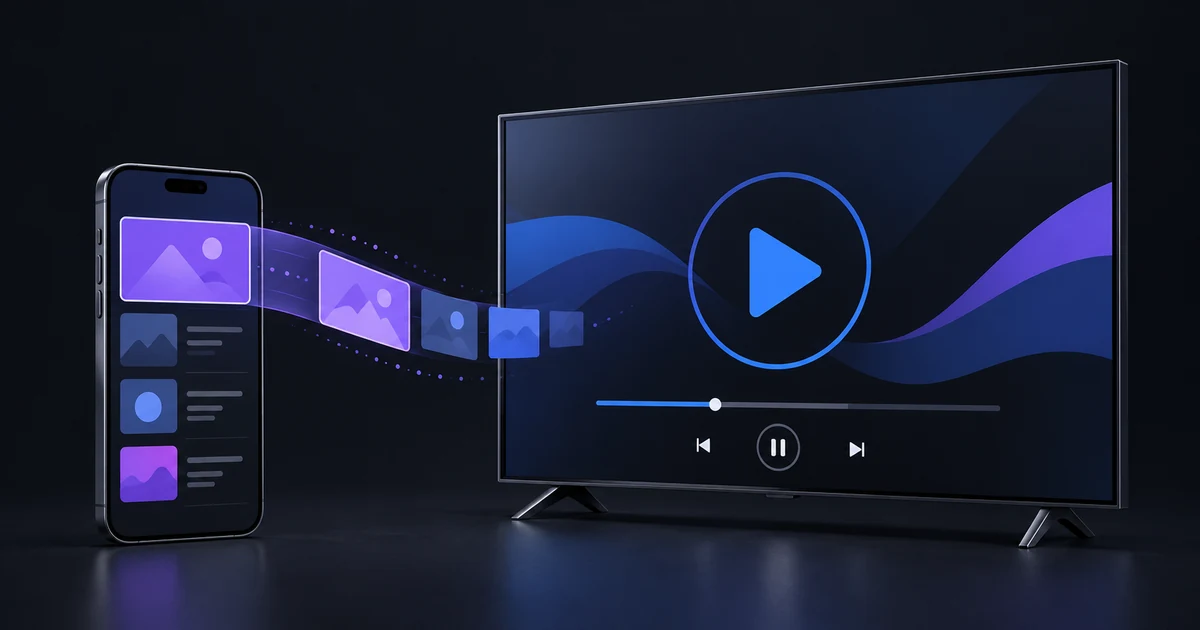
Understand what an IPTV media player does, how it differs from a content provider, and what you need before adding a playlist to IB Player Pro.
Read guide →
The professional player for your own M3U and Xtream playlists — Live TV with a full TV guide, catch-up, movies and series, beautifully organised on your phone and your TV.
Everything you need to enjoy the content you already have — fast, organised and beautiful.
Channels open in your provider's own order. Browse by country with flags, by category, or search every channel at once.
Now & next on every channel and a complete guide — with a time-offset setting so listings always match your clock.
Missed something? Watch earlier programmes again on channels that support catch-up.
Poster rails by category, details, seasons and episodes — resume where you stopped and auto-play the next episode.
Save movies and episodes on your device and watch them anywhere, even without a connection.
Hardware decoding up to 4K, audio & subtitle tracks, audio delay sync, playback speed, aspect ratio and gesture controls.
Add as many playlists as you like — a link, an Xtream Codes login or your own .m3u file — and switch any time.
Your playlist is saved on your device, so it opens straight away and refreshes quietly in the background.
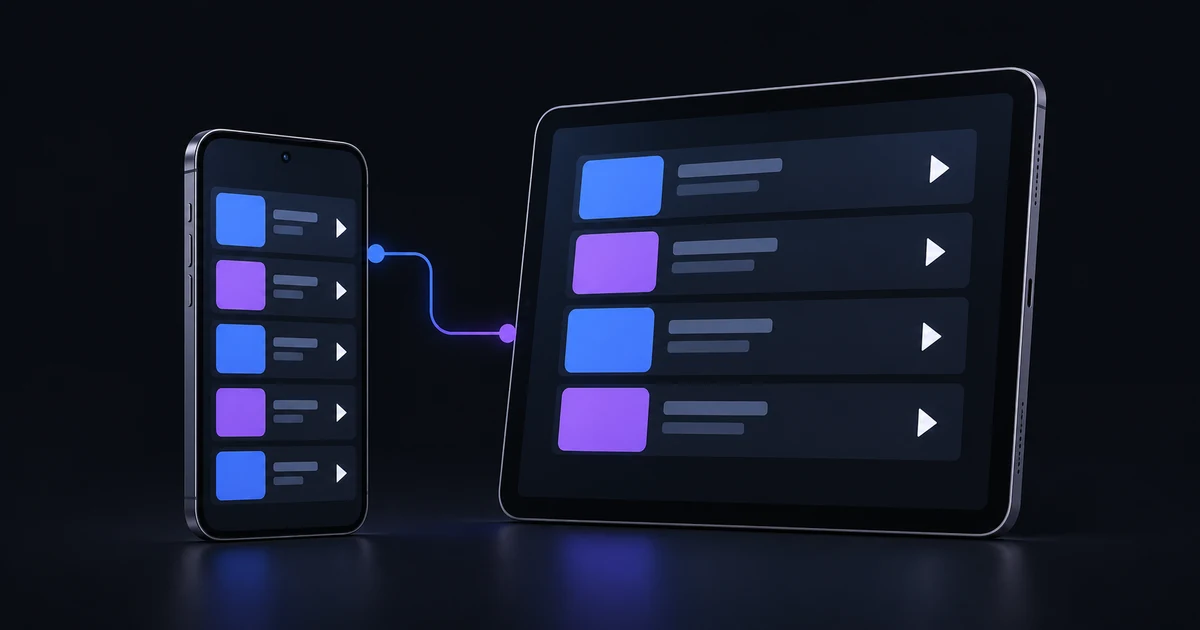
Your plan and playlists follow you. Add a playlist on this website and it appears in the app automatically.
The complete list — every one of these is included with your plan and in the free trial.
One account for all your devices — your plan and playlists follow you from your phone to your TV.
iOS 15 or later
Android 7.0 or later
tvOS 15 or later
Android TV 7.0 or later
Fire TV Stick, Cube and Fire TV models
Tizen TVs from 2018
webOS TVs from 2018
Install IB Player Pro and create your account — the 1-day trial starts straight away.
Paste your M3U link, sign in with Xtream Codes, import a file — or add it here on the website.
Live TV with the guide, movies, series and downloads — on every device you sign in to.
Plans unlock app features only — no playlists or content are included.
Understand your player, connect your source and solve common playback problems.
Understand what an IPTV media player does, how it differs from a content provider, and what you need before adding a playlist to IB Player Pro.
Read guide →Set up IB Player Pro on iPhone or iPad, choose the correct playlist connection, and check that your first stream works before adjusting other settings.
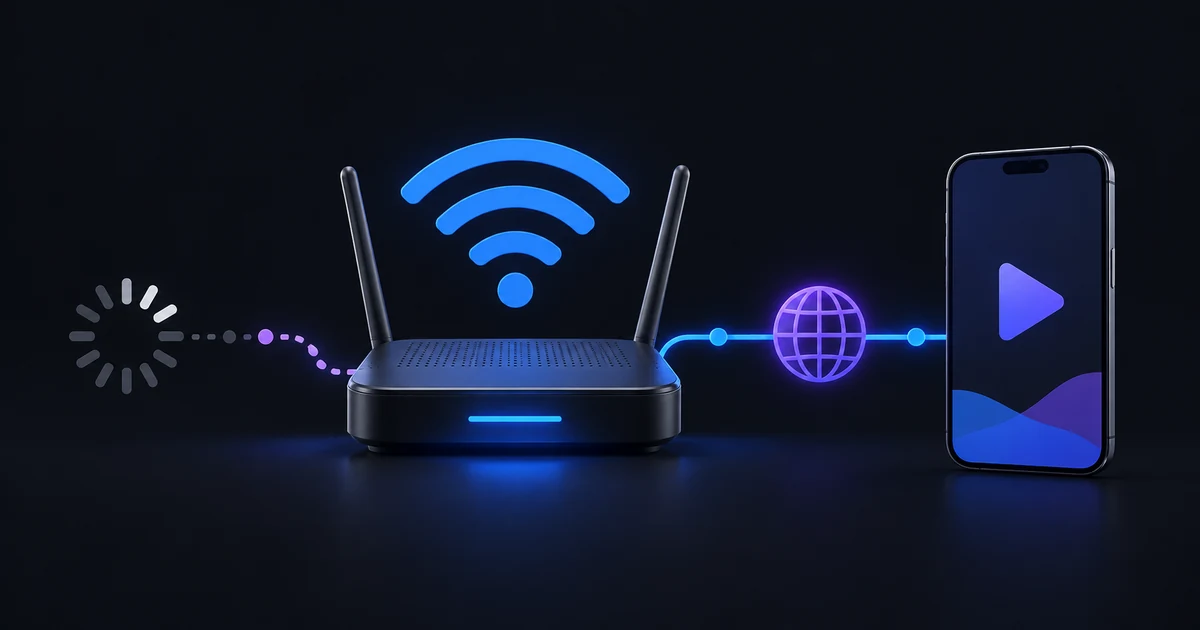
Read guide →Use a practical test sequence to separate a single bad stream from Wi-Fi, provider congestion, account limits and player settings.
Read guide →No. IB Player Pro is a media player only. We do not sell, provide or include any playlists, channels or content. You add your own playlist from a provider of your choice.
IB Player Pro is available on iPhone and iPad. Apps for iPhone & iPad, Android phones & tablets, Apple TV, Android TV & Google TV, Amazon Fire TV, Samsung Smart TV, LG Smart TV are coming soon. One account works on all of them.
Everything is unlocked during the 1-day trial — all Live TV countries and categories, the TV guide, Movies, Series and Downloads. No payment details are needed.
M3U / M3U8 links, Xtream Codes (server, username and password) and .m3u files, with the TV guide (EPG) and catch-up from your provider.
You can pay with PayPal (a PayPal account or any debit/credit card) or with crypto — Bitcoin, USDT, Ethereum and more — and get 10% off when you pay with crypto. In the iPhone app you can also buy through the App Store. The 12-month plan renews every year and can be cancelled any time; Lifetime is a single payment. Your account unlocks automatically on every device.
Yes. Sign in with the same account and your plan and playlists appear on each device. Playlists you add or remove on the website are updated in the app automatically.
No payment needed. Upgrade only if you love it.